By Lauren Holland
Updated November 2026
A BlueDriver Bluetooth professional OBD2 scanner plugs into your car’s diagnostic port and sends trouble codes, live sensor data and emissions readiness status to your phone. In this guide you will pair the scanner, read stored and pending codes, check live data and clear codes safely. The whole process takes about 15 minutes on most vehicles built since 1996.
What You Need Before You Start
Gather these items so the session goes smoothly:
Shopping for one? See our guide: 3 Best OBD2 Scanners for Nissan Rogue Compared (2026).
- A BlueDriver Bluetooth OBD2 scanner and its included cable or plug-in adapter
- A smartphone with Bluetooth enabled and the BlueDriver app installed
- Your vehicle’s owner’s manual, to confirm the diagnostic port location
- A notepad or phone camera to record codes before clearing anything
The scanner draws power from the port, so the ignition must be on, but the engine can stay off for reading codes.
Step-by-Step: Pairing and Reading Codes
- Locate the port. The OBD2 port is usually under the dashboard on the driver’s side, within about 2 feet of the steering column.
- Plug in the scanner and turn the ignition to the on position. The scanner’s indicator light should come on.
- Pair with your phone. Open Bluetooth settings, select the scanner, and enter the pairing code shown in the manufacturer’s instructions if prompted.
- Connect in the app and let it identify your vehicle. Confirm the year, make and model are correct before continuing.
- Run a scan and write down every code exactly as shown, including the letter prefix such as P, B, C or U.
Checking Live Data and Freeze Frame
Stored codes tell you what the computer flagged, but live data shows what is happening now. Start the engine once paired and watch sensor values such as coolant temperature, short-term fuel trim, oxygen sensor voltage and engine RPM. Freeze frame data, which records conditions at the moment a fault set, often narrows a problem faster than the code alone. You may also like BlueDriver Bluetooth Pro OBD2 Scanner: Read and Clear Codes in 5 Steps.
Compare readings to the ranges your service manual lists. Fuel trims beyond about plus or minus 10 percent generally point to a fuel delivery or vacuum leak issue worth investigating.
Clearing Codes and Checking Readiness
Only clear codes after you have recorded them and attempted the repair. Clearing a code turns off the check engine light and resets readiness monitors, which means the car will need a drive cycle before emissions tests will pass. Many owners wait several days of mixed driving before testing. If a code returns quickly, the underlying fault has not been fixed.
Common mistakes
- Clearing codes before writing them down, which erases the freeze frame data you need.
- Assuming a code names the exact failed part. Codes point to a circuit or condition, not always a single component.
- Ignoring pending codes, which can become stored faults after a few drive cycles.
- Leaving the scanner plugged in while driving, which can drain the battery over time.
- Replacing parts based on one code without checking wiring and connectors first.
Recommended gear
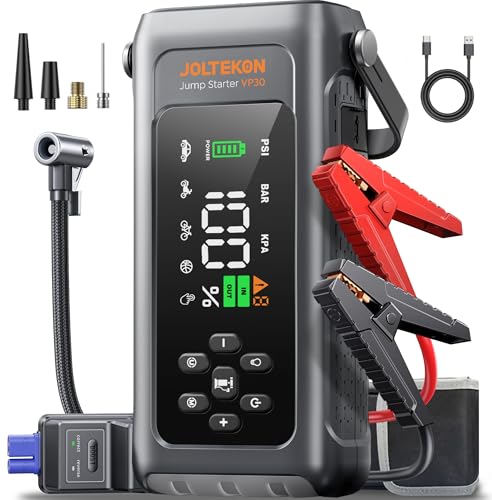
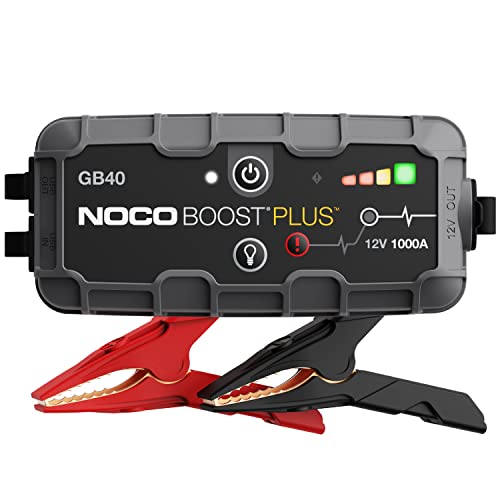
A few supplies make diagnostic work easier. A jump starter keeps you from losing time when a weak battery stalls your session: View on Amazon. A digital multimeter lets you confirm sensor voltages that a scanner suggests are wrong: View on Amazon. A battery terminal cleaner helps fix poor connections that trigger false codes: View on Amazon.
FAQ
Does a BlueDriver scanner work on all cars?
It supports most passenger vehicles sold in the US from 1996 onward because OBD2 became mandatory then. Some heavy trucks and older imports may need a different connector or adapter.
Can I use it while driving?
Some owners prefer to read data on a passenger’s phone while driving, but you should never handle your phone or look away from the road while driving. Mount the phone and use the app only when parked.
Will clearing codes damage my car?
Clearing codes does not harm the engine or electronics. It simply erases stored information and turns off the warning light, so the problem will return if it is not repaired.
Conclusion
With a BlueDriver Bluetooth professional OBD2 scanner, you can read codes, study live data and verify repairs from your phone. Record every code before you clear anything, and always confirm a fault with inspection and testing. For more background, see Wireless Bluetooth OBD2 Scanner: How to Pick and Use One at Home and Using an OBD2 Scanner: Read Your Car's Codes in 5 Simple Steps.
Related reading
- Scanner Bluetooth ELM327 OBD2: How to Pick and Use One at Home
- Obd2 Bluetooth Scanner App: Read Car Codes on Your Phone in 5 Steps
- OBD2 Scanner Bluetooth Android: Pair and Read Codes in 6 Steps
Ready to choose one?
About Lauren Holland
Lauren Holland is part of our editorial team and reviews and edits our car care & garage supplies guides, checking product details against manufacturer specifications and owner feedback.